Editorial team ·
The race time changed. Where would the fair announce it?
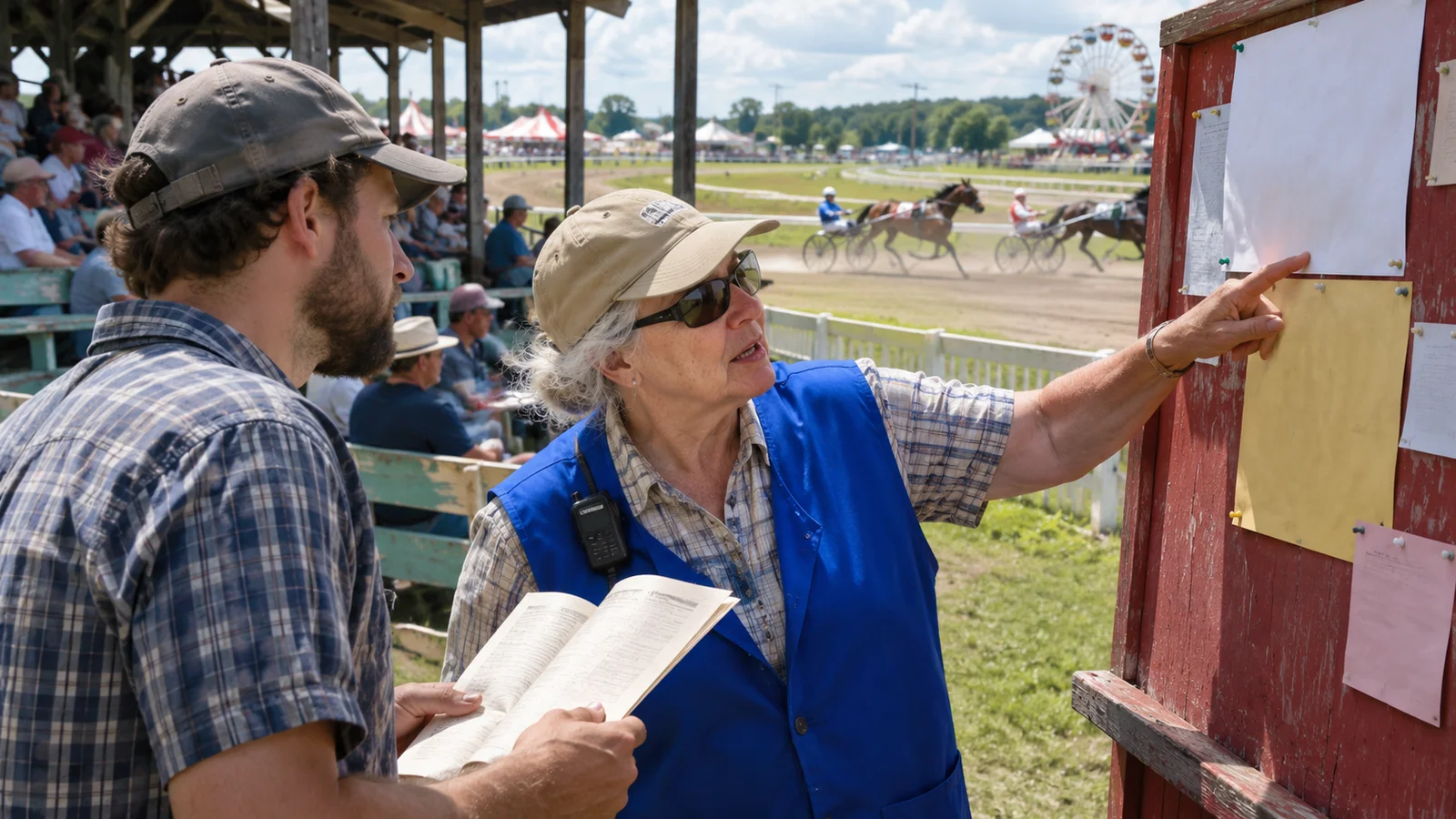
Your copy of the programme puts Race 2 at 2:10. At the grandstand, the volunteer points to a board that says 2:40. Before moving your whole afternoon, read the header and date on the board. It could name another race or update just one start.
Find the notice that applies to your race
In the example, the fair posts a notice at 1:35 moving Race 2 by thirty minutes. The notice gives the track, date, and number of the race. It does not mention any change to Race 3.
Look for a date and edition when the source is a PDF or printout. If on-site staff direct people to a physical board, note where it is and what time you saw it. An announcement without a recording can be logged as an observation.
If you are collecting the details for a fair archive, record the time shown on the original card and the amended time. Add the actual start if a log records it. Those three times tell different parts of the story.
Tell the person meeting you what changed in one sentence. Use the updated race time and keep the meeting point if the organizer has not moved it.
| Source | Time it gives | Meaning |
|---|---|---|
| Printed programme | 2:10 p.m. | Originally planned start |
| Track board | 2:40 p.m. | Amended start for Race 2 |
| Track log, if found | Record its time separately | Evidence of the actual start |
Questions and answers
- Can I assume every start moves by thirty minutes?
- Use the amended schedule for each race. The notice may affect only one row.
- What if the venue only announces it aloud?
- Record what you heard and when, and ask at the track if you need confirmation.
- Does an amended time prove the race started then?
- It gives the updated plan. Look for a track log or similar record if actual timing matters.
Keep the planned and amended times in separate fields
- Find the current source
- Read the notice header, date and race number.
- Check whether other starts moved too.
- Save a useful note
- Keep the planned and amended times.
- Write down where the update was posted.